
The only **Markdown** app
you'll ever need.

A streamlined **Markdown** note app that gives you *structure and flexibility*
without the plugins, clutter, or learning curve.

Download Noto for Windows (64-bit)
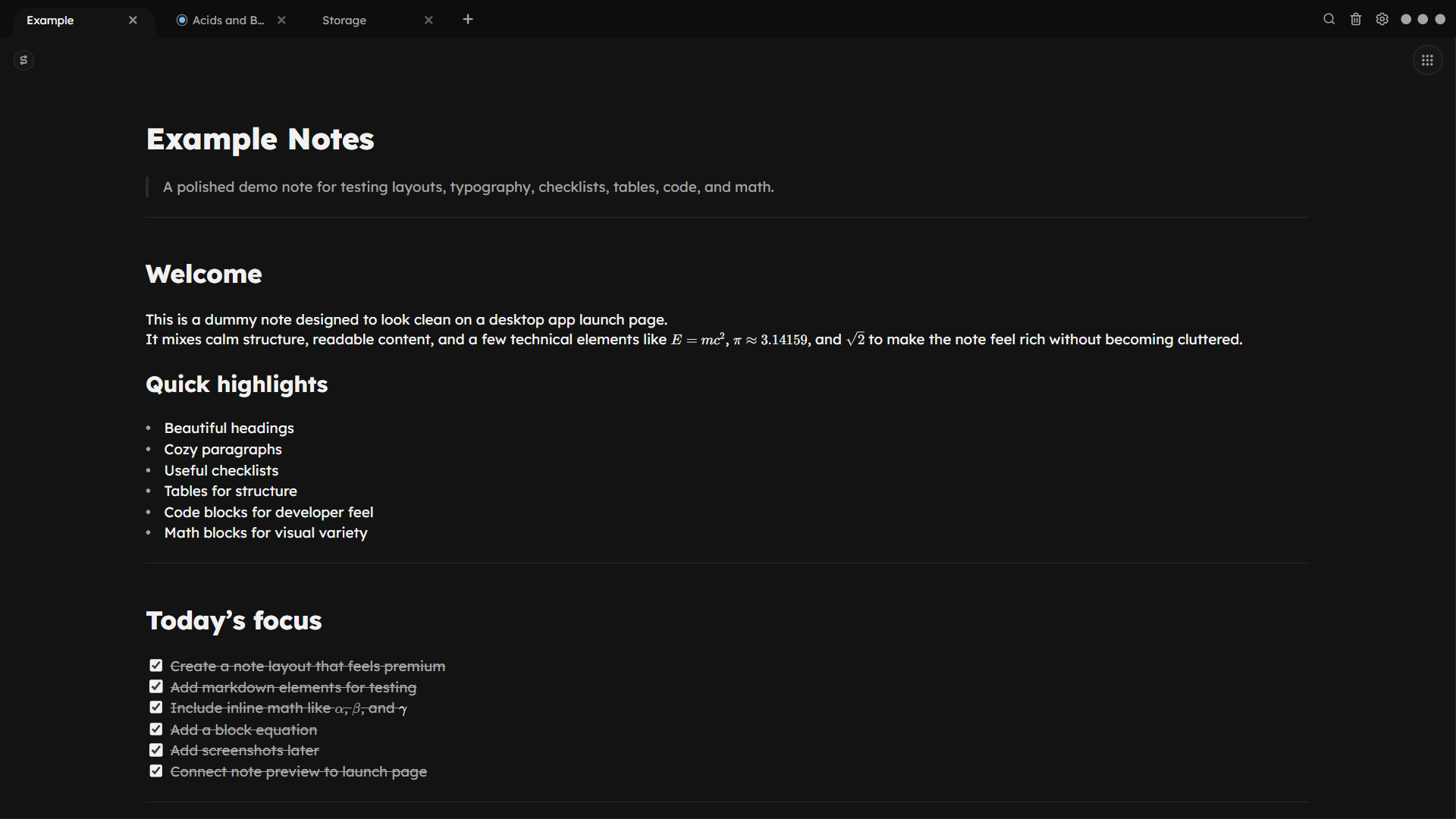
Noto editor and markdown workspace preview.

Noto focuses on *simplicity*

Noto is designed to be the most intuitive and efficient way to take Markdown notes. We focus on doing a few things really well, rather than trying to do everything.

Import tables and images

Drag and drop tables and images into your notes.

Noto makes it easy to create markdown tables by directly importing them or by adding an table using slash commands. Edit tables the slow way or use the intuitive interface to make changes quickly.
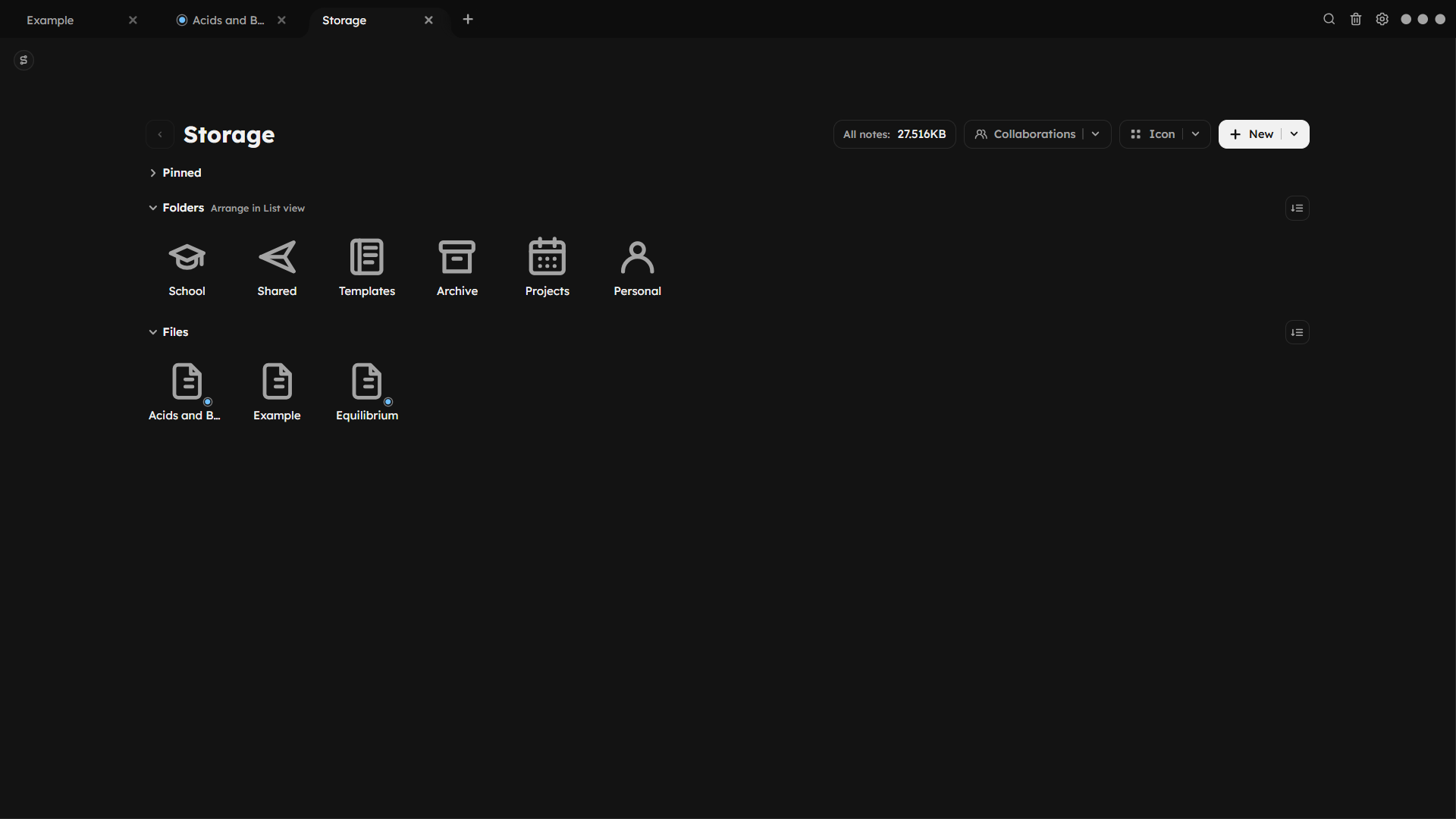
Storage

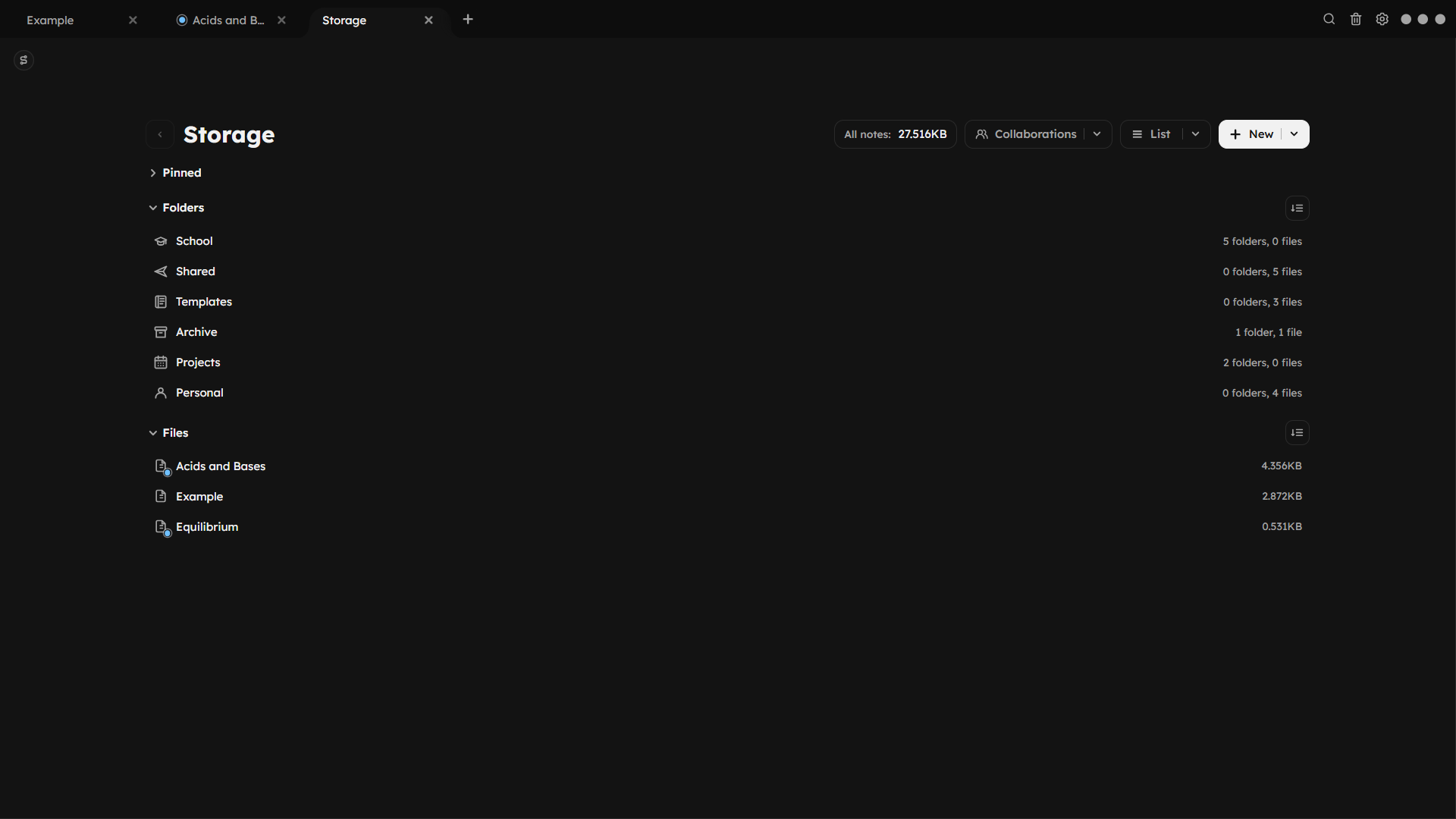
Choose the view that fits your notes.

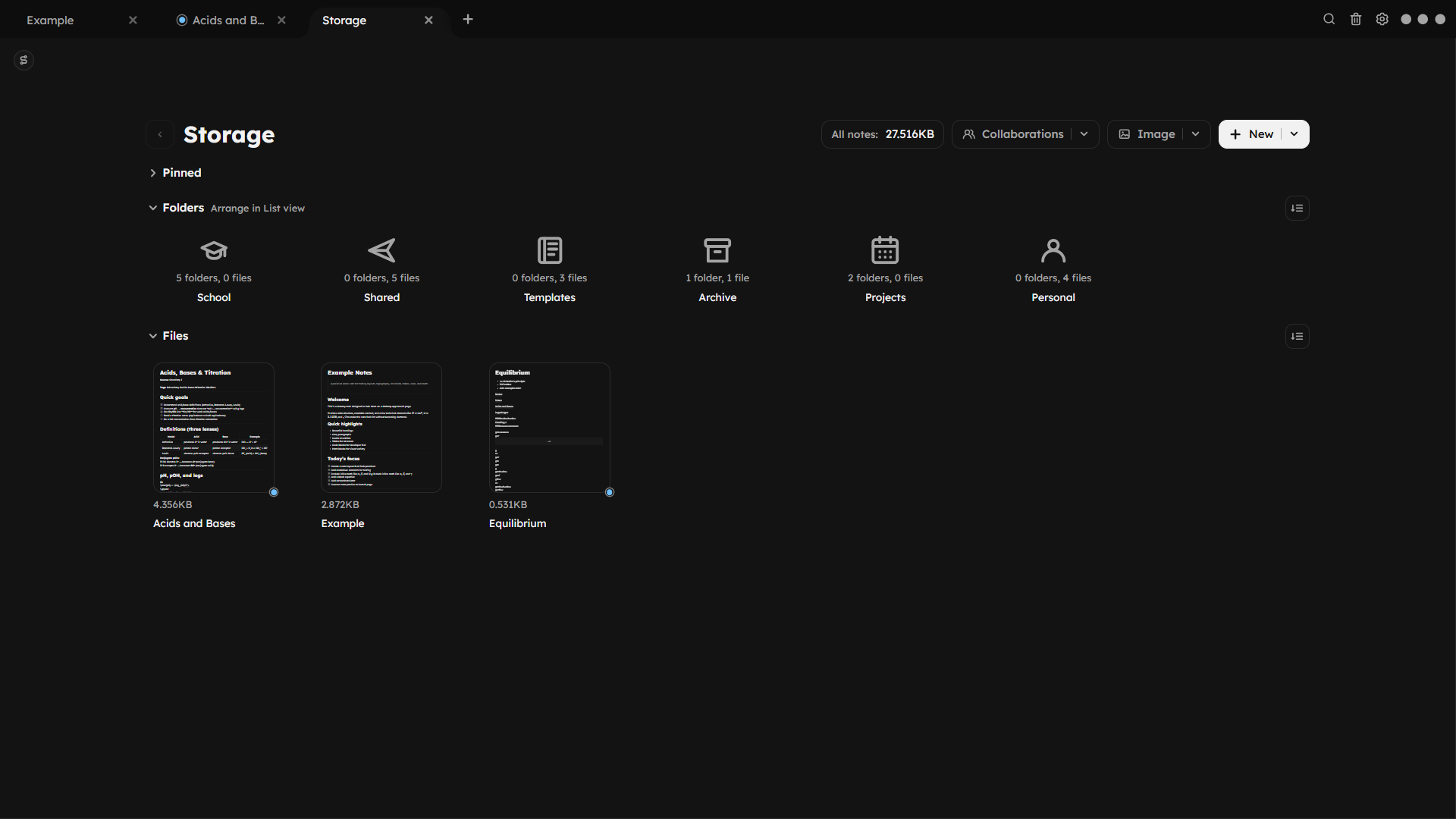
Switch between list, icon, and image layouts from the dots beside the preview. Your workspace stays local-first, organized, and easy to scan as it grows.

Noto storage screen shown in list view. Noto storage screen shown in icon view. Noto storage screen shown in image view.

Global search

Find any note in one quick search.

Search across notes, folders, and settings from one place instead of digging through your workspace. Results stay fast and easy to scan, so the right note is never far away.

Appearance

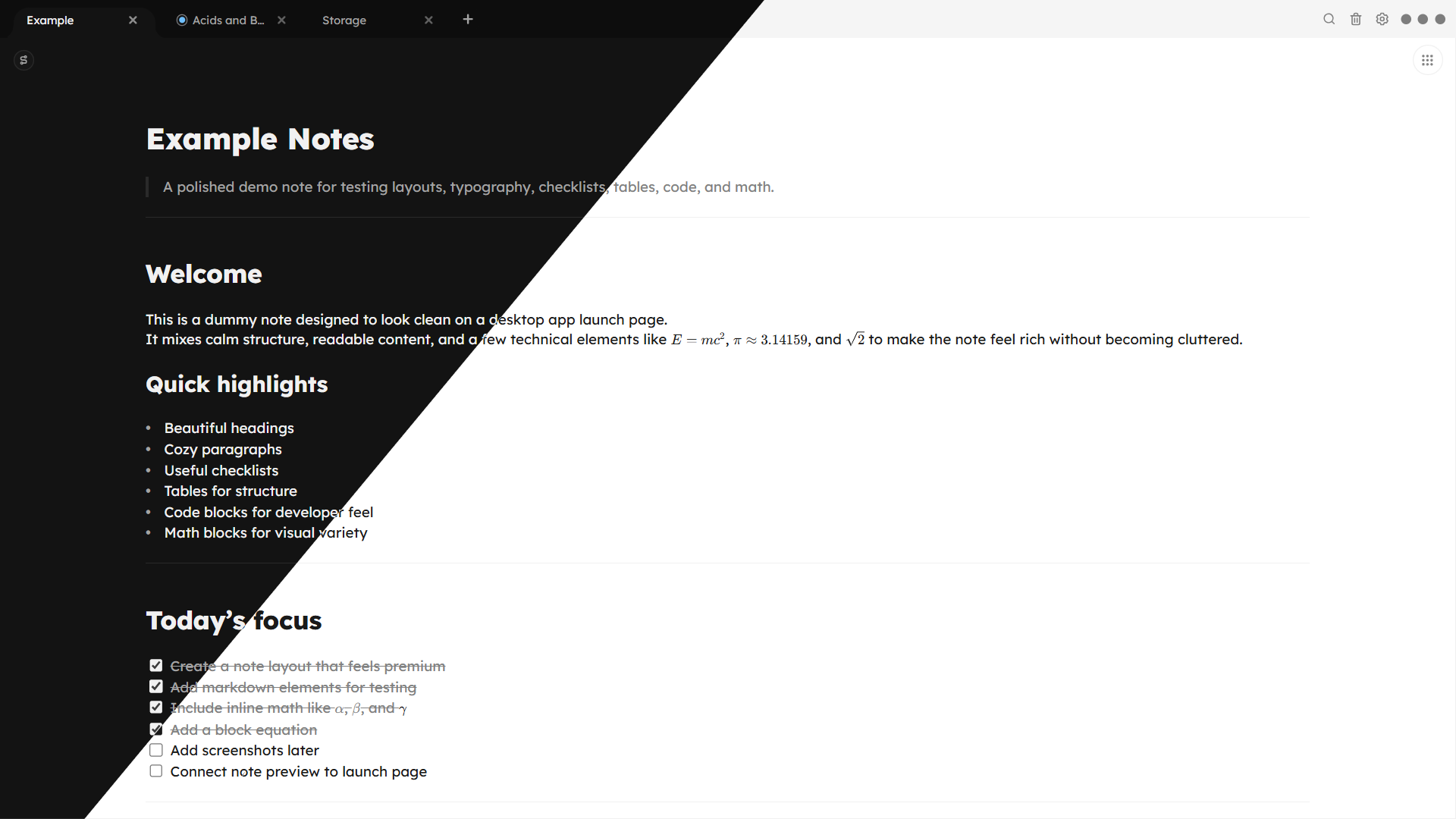
Move between dark and light instantly.

Pick the look that fits your desk, the time of day, or the kind of work you want to do.

Noto interface split between dark mode and light mode.

Noto is a *lifetime deal!*

Pay once, use forever.

Get lifetime of updates and support.

$39.99

Download Noto today.

Pay once, own it forever. No subscriptions. No surprises.

Download Noto for Windows (64-bit)